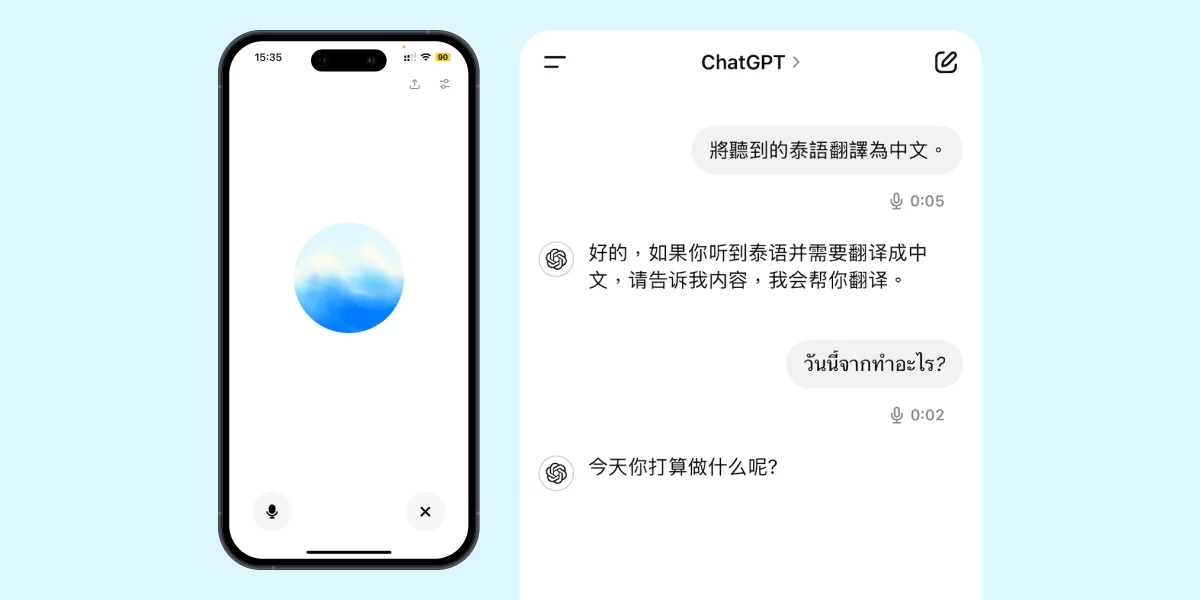
Hello everyone! Today I'm going to teach you how to use ChatGPT to translate Thai! This tool can not only handle translations but also serve as your language-learning partner. Let's skip the small talk and jump straight into the topic to see how to manage Thai translations using both text and voice methods.
1. Text Input Translation
This step is really simple. Let me walk you through it:
Step 1: Open the ChatGPT website or the mobile app.

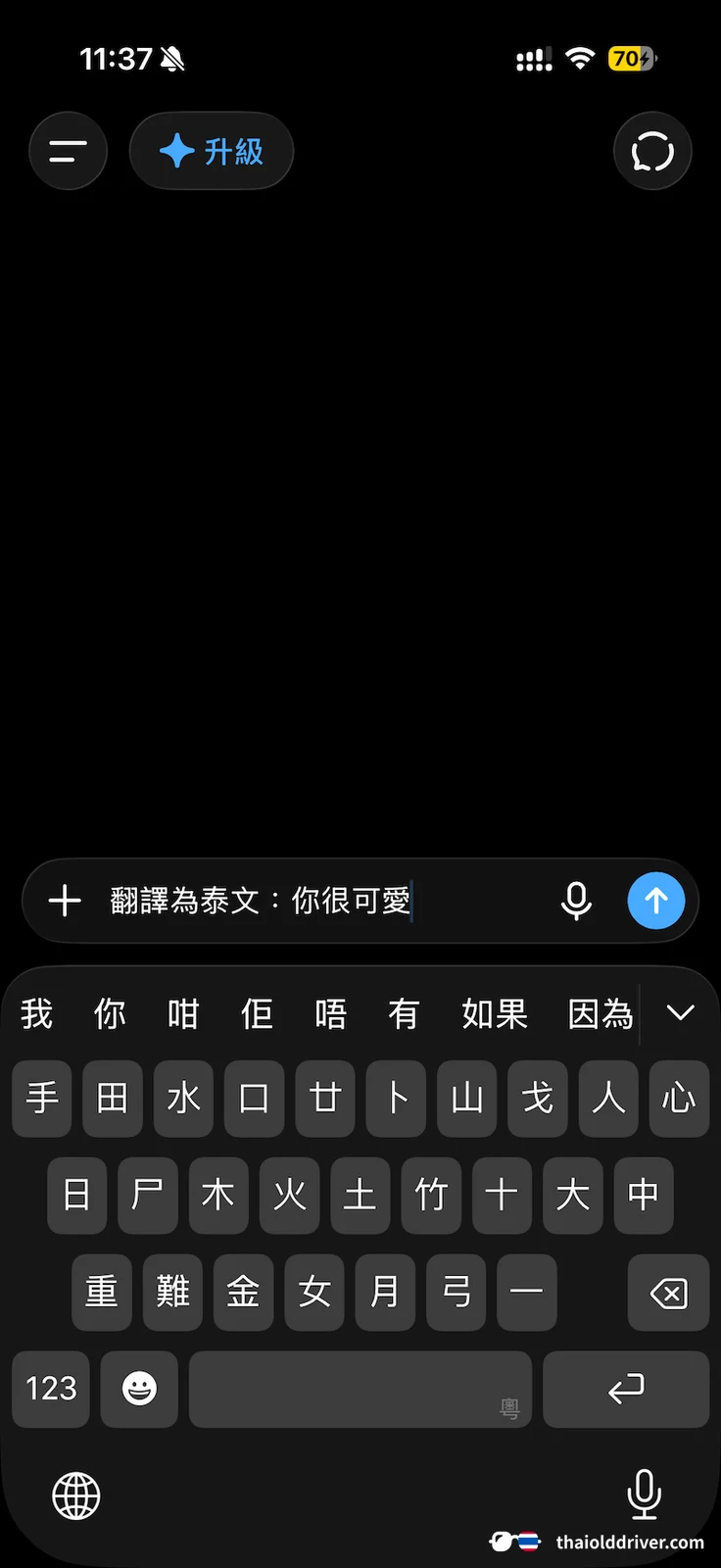
Step 2: Enter the content you want to translate, whether it's Chinese, English, or another language. If you have a string of Thai text, just paste it in. If it's Chinese or English, you can also try asking ChatGPT: "Translate into Thai: {your content}" or, conversely, translate Thai into Chinese: "Translate into Chinese: {your content}"

Step 3: After sending the message, wait a moment and ChatGPT will reply with the translation result! Sometimes it will even add explanations to help you understand the context better.
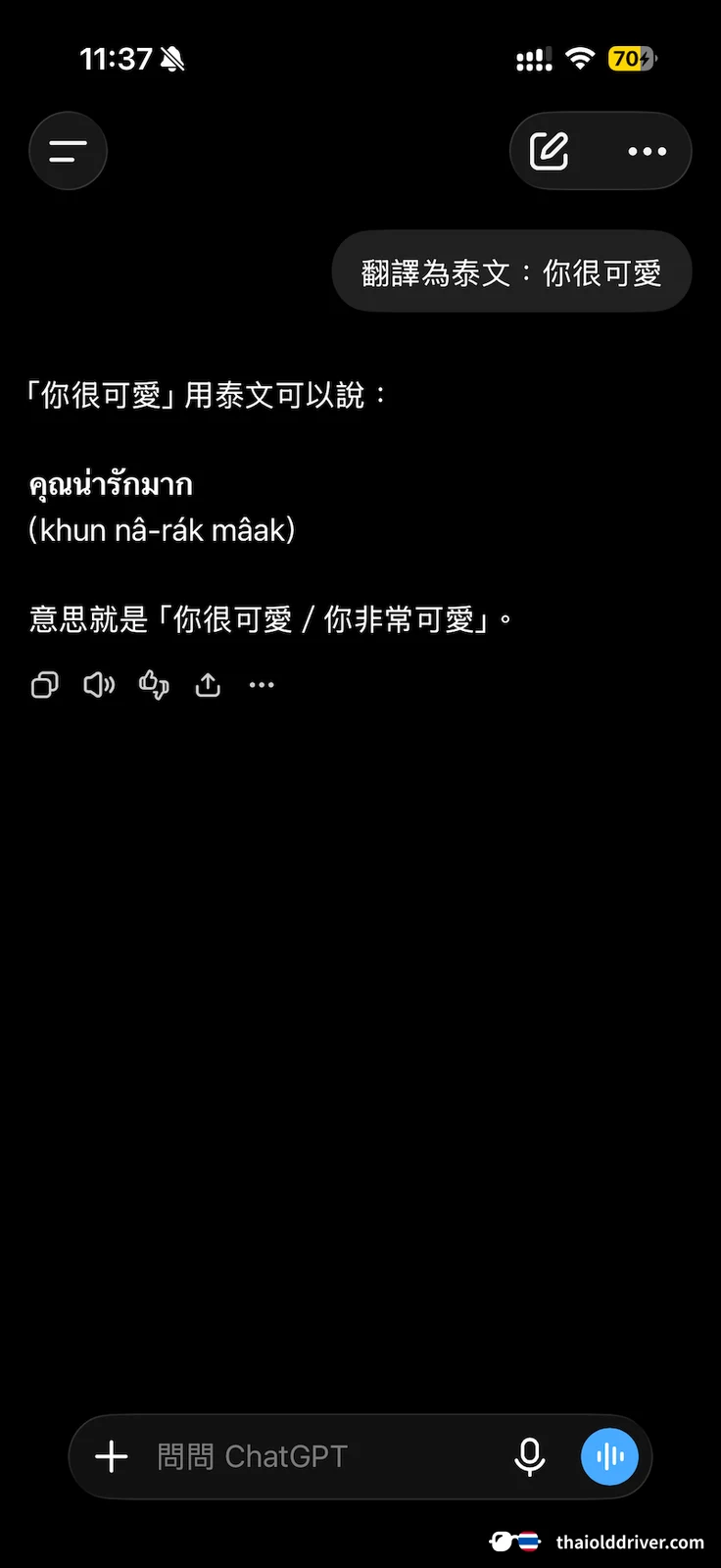

With that, the text translation is complete—pretty straightforward, right? With this method, you'll be able to chat with Thai friends without any pressure!
2. Voice Conversation Translation
Voice conversation is even more convenient, especially when you don't feel like typing or need a quick response.
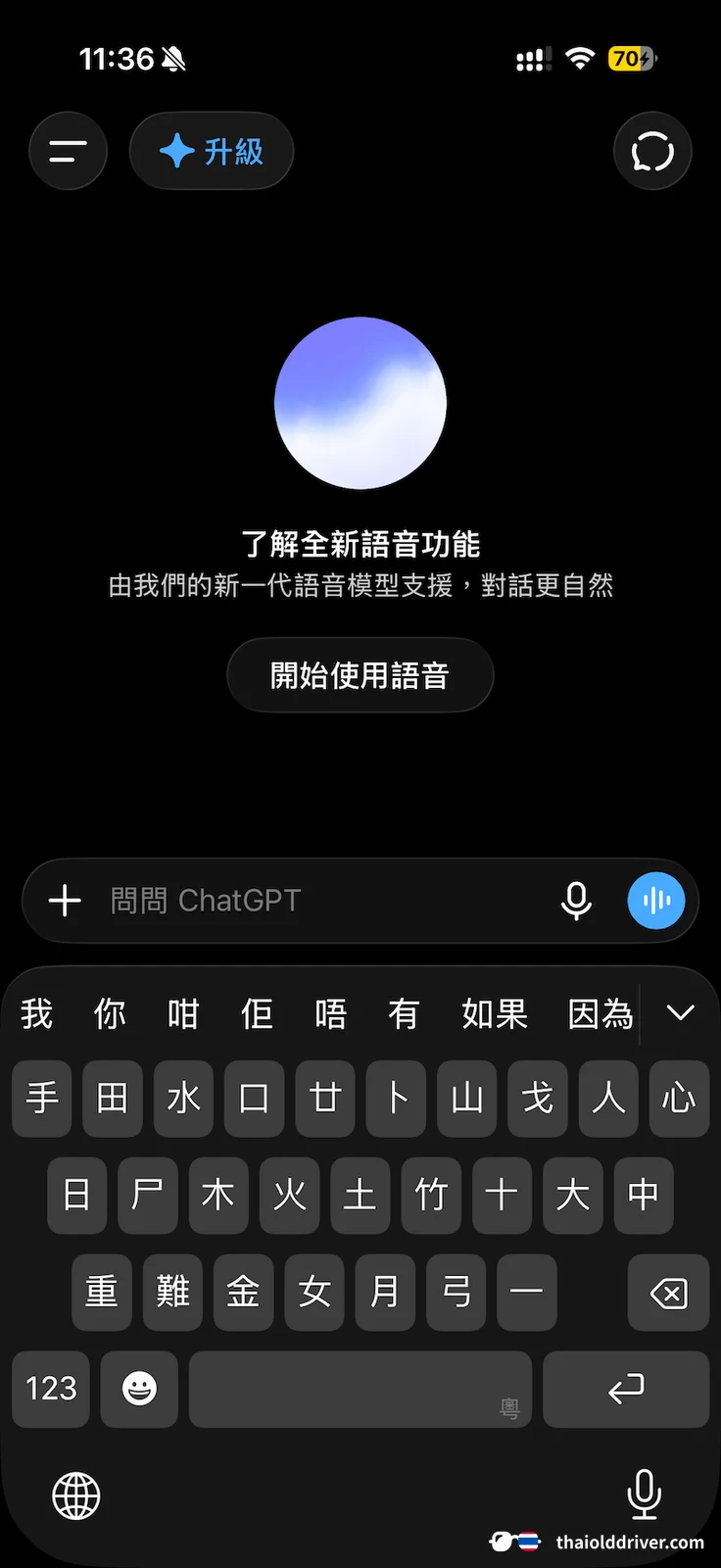
Step 1: Download and open the ChatGPT mobile app. Tap the voice option or the blue button on the right side of the input field.

Step 2: If you want to translate Thai into Chinese, say the following command to ChatGPT: "Translate the Thai you hear into Chinese." If you want to translate Chinese into Thai, say: "Translate the Chinese you hear into Thai." ChatGPT will confirm your instruction by voice, and then you can speak the Thai or Chinese you want translated.
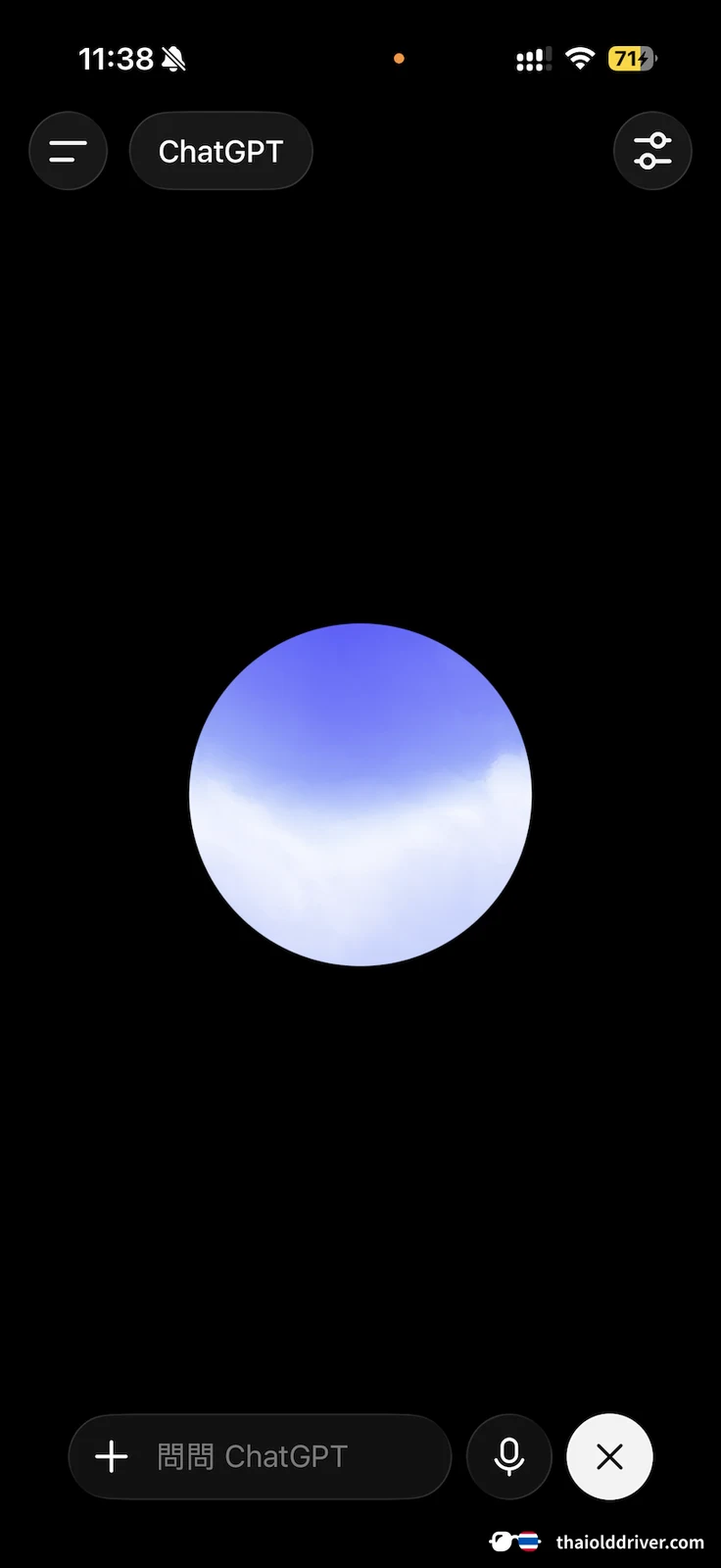

Step 3: You can continue translating as long as you like. When you're ready to end the conversation, tap the X button in the bottom right corner. You'll then see the conversation displayed as text.
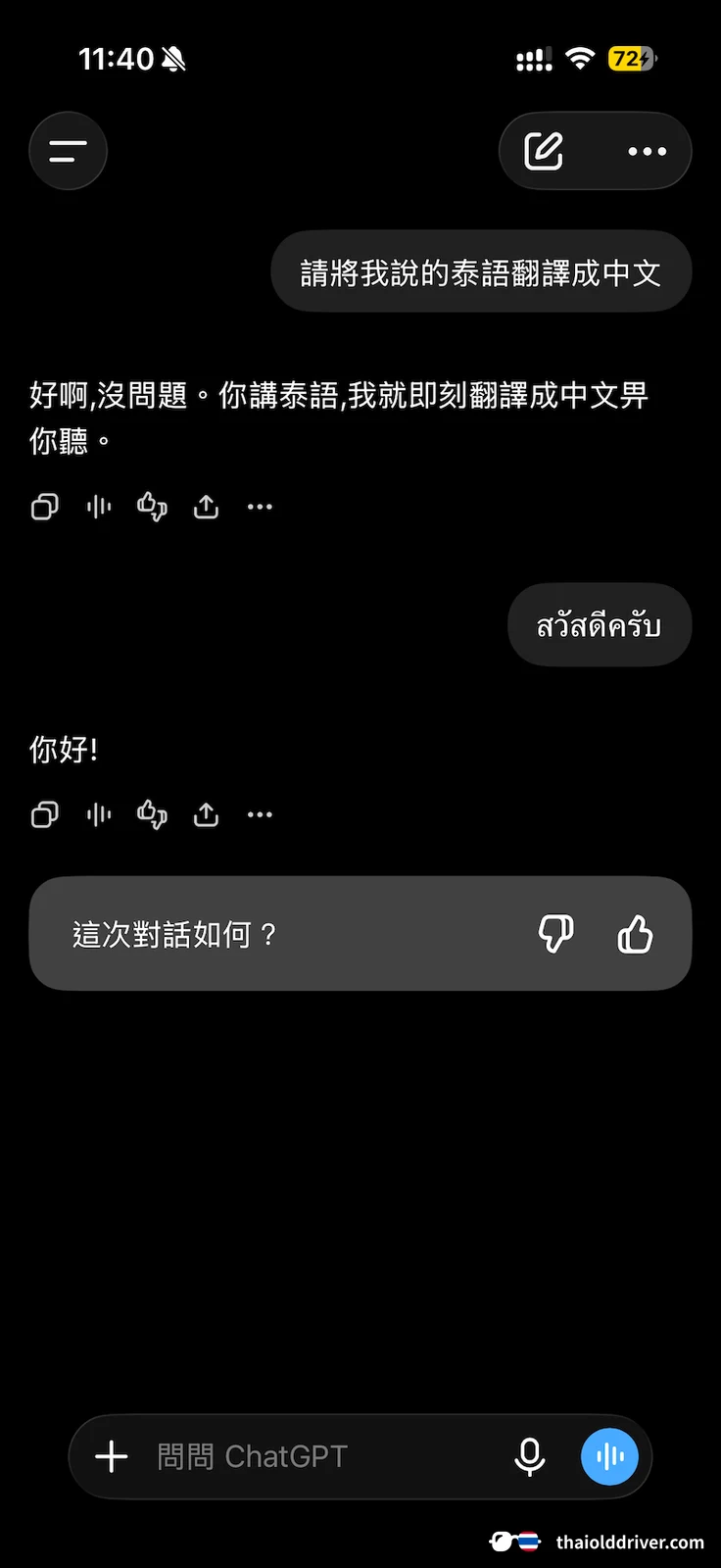

This way, you can quickly use voice input combined with ChatGPT to complete Thai translations! This method is especially handy while traveling, allowing you to communicate with locals anytime, anywhere.
Additional Tips
Differences between Chinese and Thai: Some Chinese or English phrases may not translate perfectly into Thai. In such cases, try using a bit more descriptive language or adding a couple of extra sentences so ChatGPT can produce a more natural translation.
Leverage ChatGPT's polishing ability: Beyond translation, you can also ask ChatGPT to check grammar, improve wording, or even suggest more natural expressions. For anyone learning Thai, this is a free treasure trove!
In summary, using ChatGPT to translate Thai is actually quite straightforward. Whether through text input or voice conversation, it's easy to get started. I hope this article helps you become more comfortable with Thai translation and communicate across languages with greater ease!
How to Chat with Thai Girls in Thai? Essential Thai Nightlife Phrases You Need to Know